Free Fonts: Safe Downloads for Your Business
Typography plays a crucial role in branding and communication. For small and medium-sized businesses (SMBs) and non-profit organizations operating on tight budgets, free fonts offer an excellent opportunity to enhance visual appeal without breaking the bank. However, malware and viruses can easily be snuck in to the download process from unknown and unreliable sites that…

UniFi and Apple: Cracking the Small Business Wi-Fi Code
Is your small business struggling with unreliable Wi-Fi connections for Apple devices? You’re not alone. Let’s dive into some common issues and practical solutions that won’t require an IT degree to understand. The Apple-Wi-Fi Puzzle Picture this: You’ve invested in top-notch UniFi equipment, your internet speed is lightning-fast, yet your iPads seem to have a…

Diceware Password Generator: Secure, Random, and User-Friendly
Creating strong, unique passwords for each of your online accounts is a critical component of digital security. Our diceware password generator offers an effective solution to this challenge, balancing robust security with ease of use.

Setting Up OpenVPN: A Comprehensive Guide for Windows & Mac
Learn how to complete an OpenVPN Windows setup with this step-by-step guide, including importing config files and securing your VPN connection.

Seamless PC Access: Your Guide to Remote Desktop Connection
Imagine accessing your office computer from anywhere. With Remote Desktop Connection, this concept becomes a tangible reality. As an IT consultant with years of experience implementing remote work solutions, I’ll guide you through the nuances of this powerful tool. Setting Up Your Virtual Office Before we begin, an important note: Depending on your company’s network…

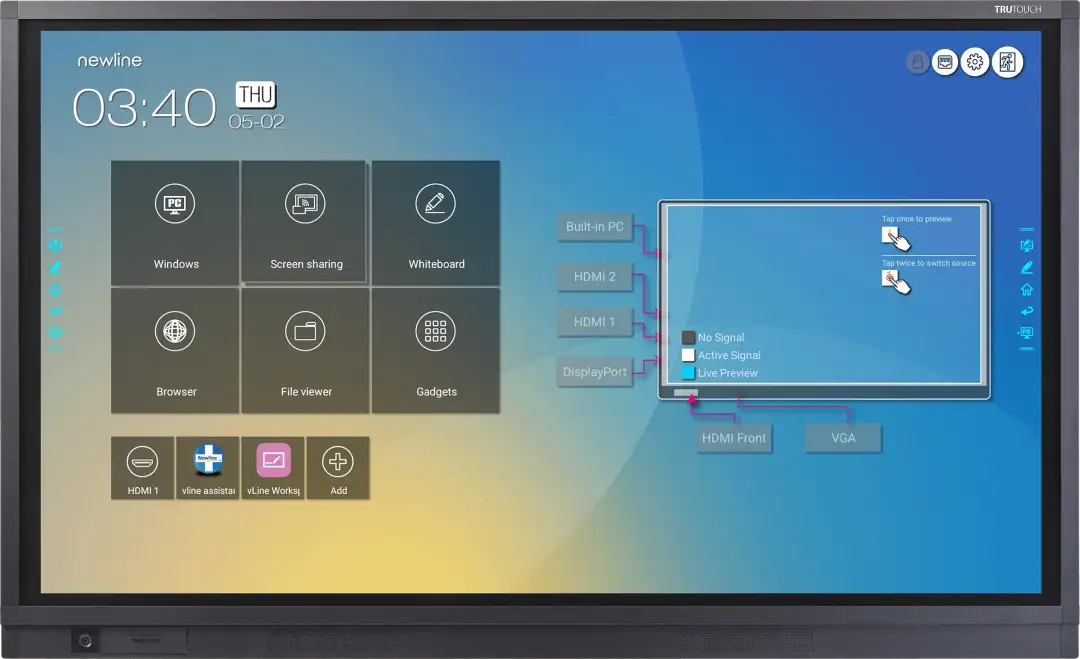
How to Install a NIC Driver on Newline Android Smartboards
Easily install the NIC driver on your Newline Android Smartboard. Follow our step-by-step guide for seamless network connectivity.

Setting Up Windows File History: A Comprehensive Guide
Learn how to protect your important files with Windows File History. This guide will help you choose the best storage option (external drive, internal drive, or network) and configure File History for optimal backup.

Recover Files with Windows File History: A Step-by-Step Guide
Learn how to easily restore deleted or lost files using Windows File History. Follow our simple guide to recover your important data in just a few clicks.

Upgrade to Microsoft 365: Elevate Your Productivity Suite
Discover how to upgrade your standalone Publisher to an existing Microsoft 365 account, unlocking enhanced features and collaboration tools. Follow our step-by-step guide.

Check & Manage Microsoft 365 Account in Publisher
Learn how to check your Microsoft 365 account status in Publisher, log in with a different account, or handle no login. Quick, easy steps!